ehundu/andamio-documentacion
Documentation starter
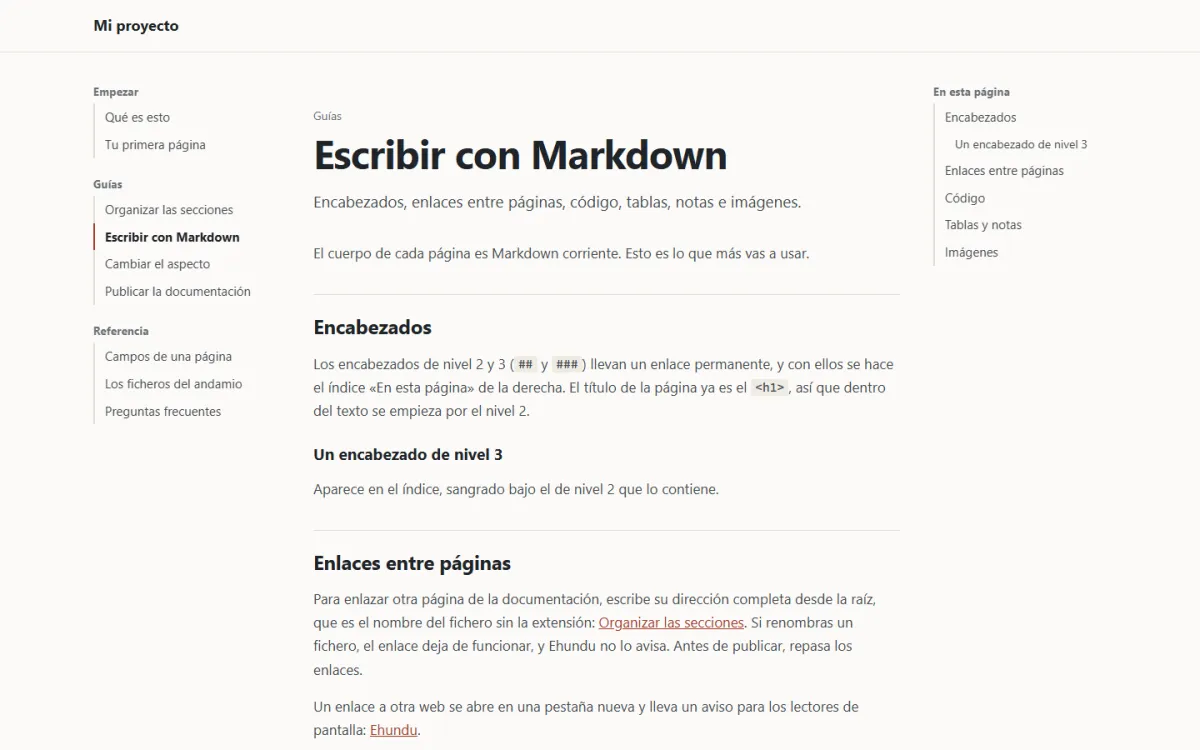
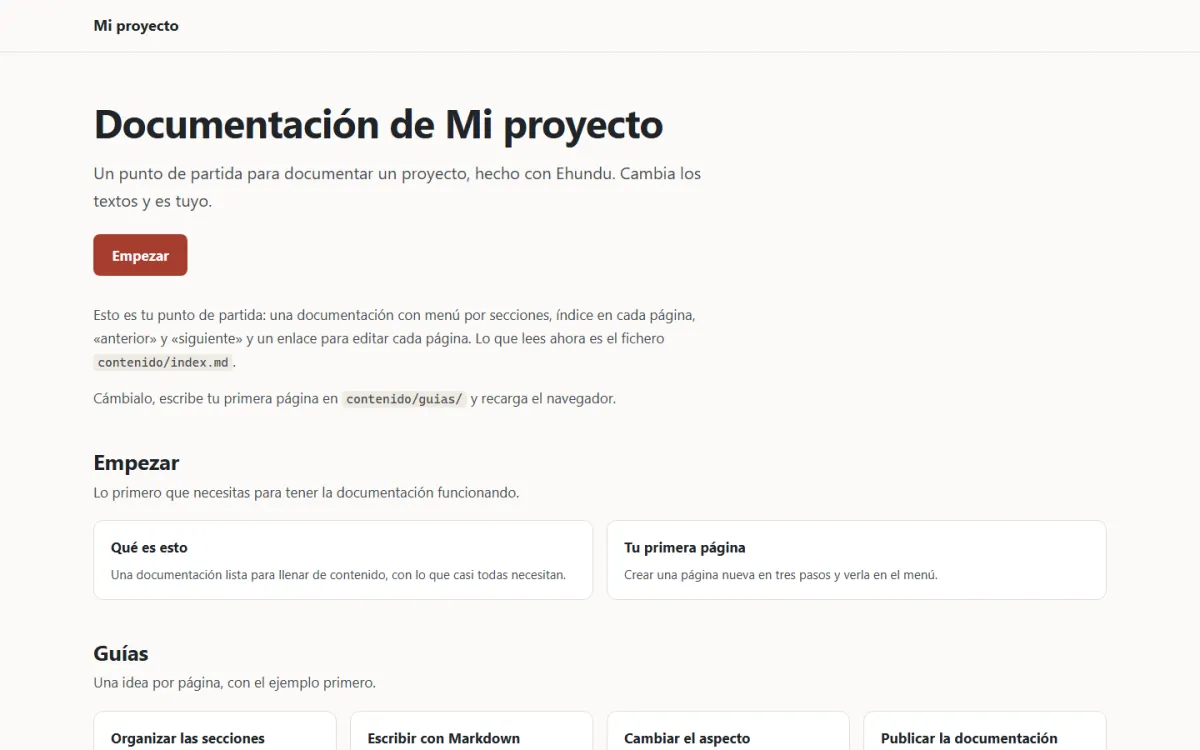
Documentation with a menu by sections, a contents list on each page, previous and next, and a link to edit it in your repository.
Menu by sectionsPage contentsDark mode
See the demo (opens in a new tab) See the code (opens in a new tab)
Create it with Composer
composer create-project ehundu/andamio-documentacion mi-sitio
You can also create it from GitHub with “Use this template”; both ways are in the guide to starting with a starter.
- sections
- 3
- sample pages
- 9
The starting structure for documenting a project, with the same layout as this documentation. The pages are Markdown, they are grouped into sections that are declared in a file, and there is no database or panel: they are edited, reviewed and versioned like code.
On narrow screens, the menu and the contents list fold into two drop-downs, without JavaScript. It has no search box and no versions: the frequently asked questions in the documentation itself explain how to solve each thing.
What it brings
- The menu on the left, with the sections of
datos/secciones.ymland their pages. - The page contents on the right, taken from its headings.
- Previous and next at the end of each page, in the order of the menu.
- An “Edit this page” link that opens its file in your repository.